Digital Signage for Events: Real-Time Updates, Wayfinding, and Sponsor Value
Schedules Change. Your Signage Should Keep Up.
If you’ve ever arrived onsite with a perfectly printed signage package… only to find your sessions have shifted, speakers changed, or rooms reconfigured—you already know the pain:
- Signs become outdated fast
- Reprints are expensive and slow
- Staff wastes time taping, swapping, fixing
- Attendees get confused and frustrated
- Sponsors don’t get the visibility they paid for
Digital signage is supposed to solve those problems, but only if it’s fast, flexible, and easy to manage onsite.
That’s why we built MVS Marquee.
What Is MVS Marquee?
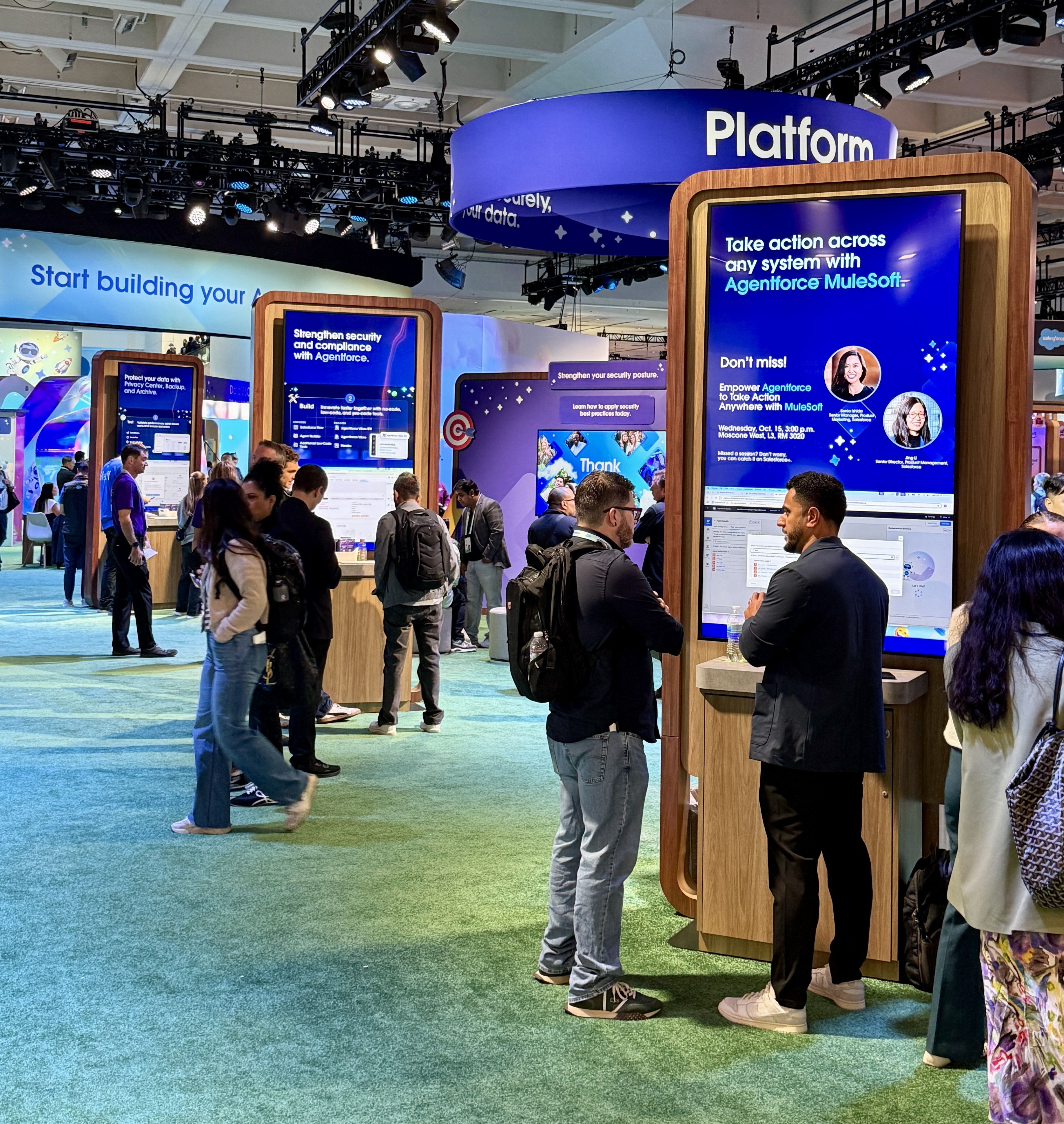
MVS Marquee is a real-time digital signage platform built for live events.
It gives event teams the power to manage signage content across multiple screens quickly, reliably, and without chaos.
You can use Marquee for:
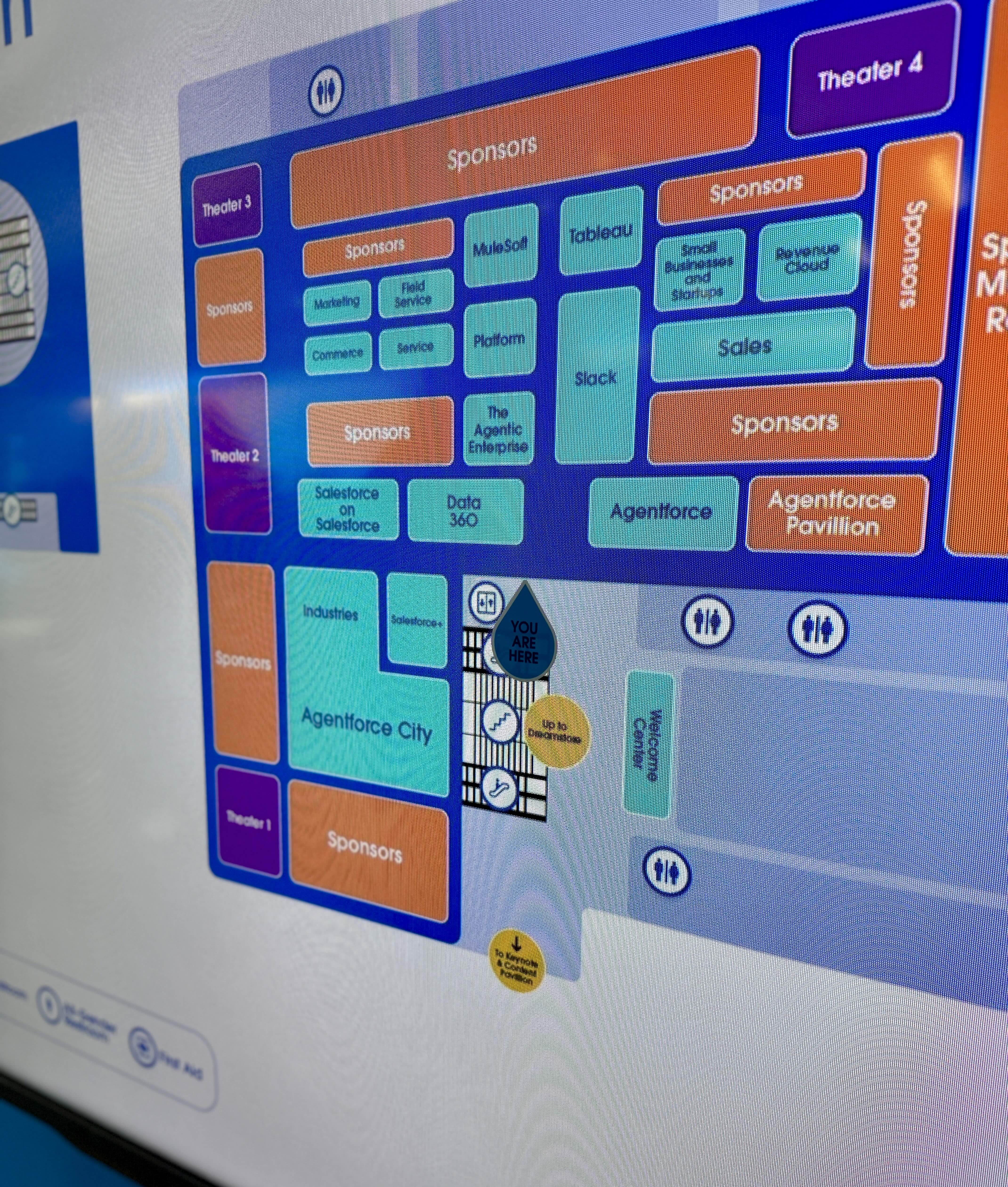
- Wayfinding & maps
- Agenda/schedule signage
- “Up next” and session highlights
- Sponsor rotations
- Emergency messaging
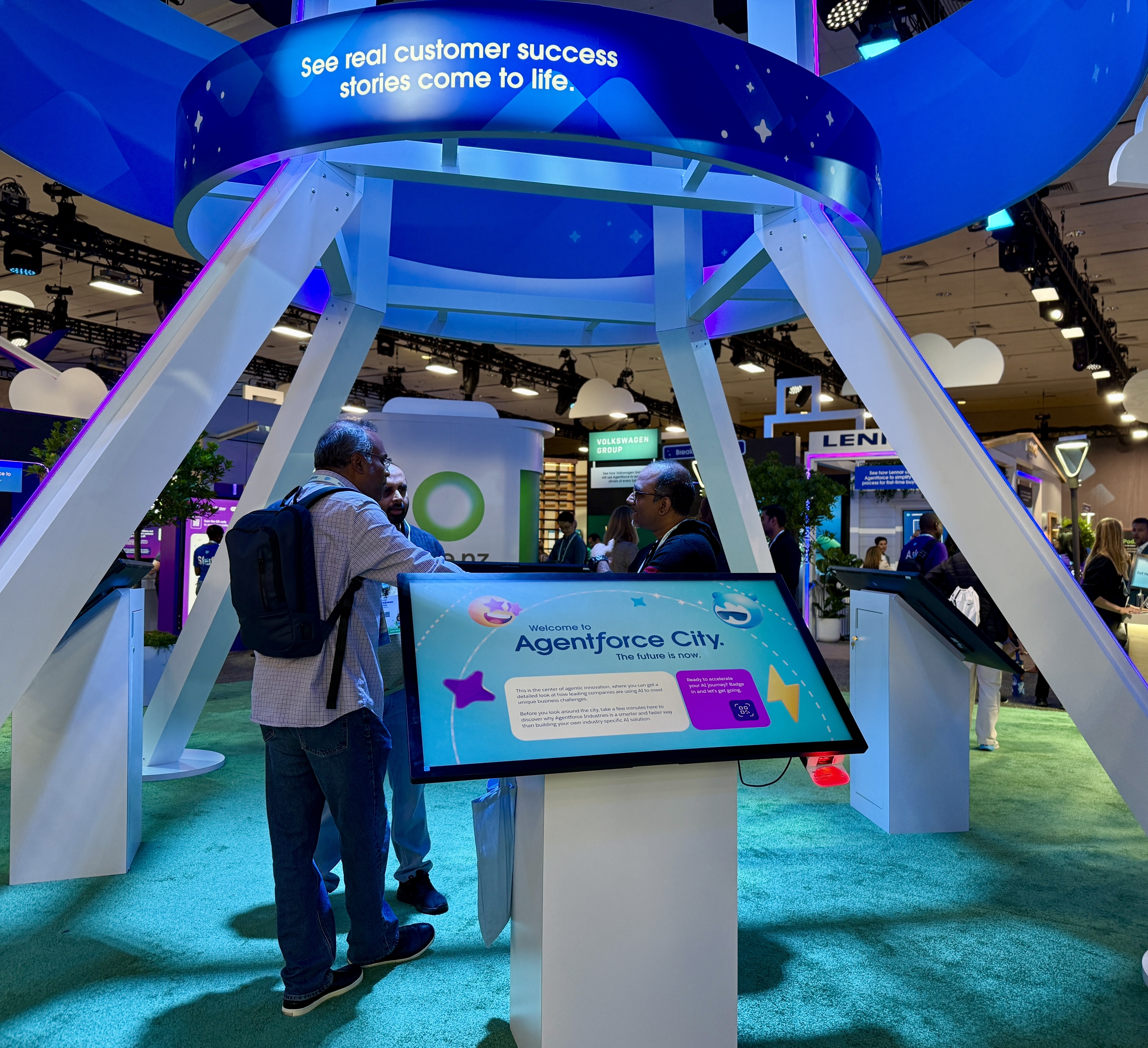
- Kiosks and demo stations
And it’s designed to support the way events actually run: with last-minute changes.
Speed & Control: Update Signage in Under a Minute
Onsite changes aren’t rare…they’re guaranteed.
With Marquee you can:
- Make updates to one sign or an entire network
- Push messaging instantly across a venue
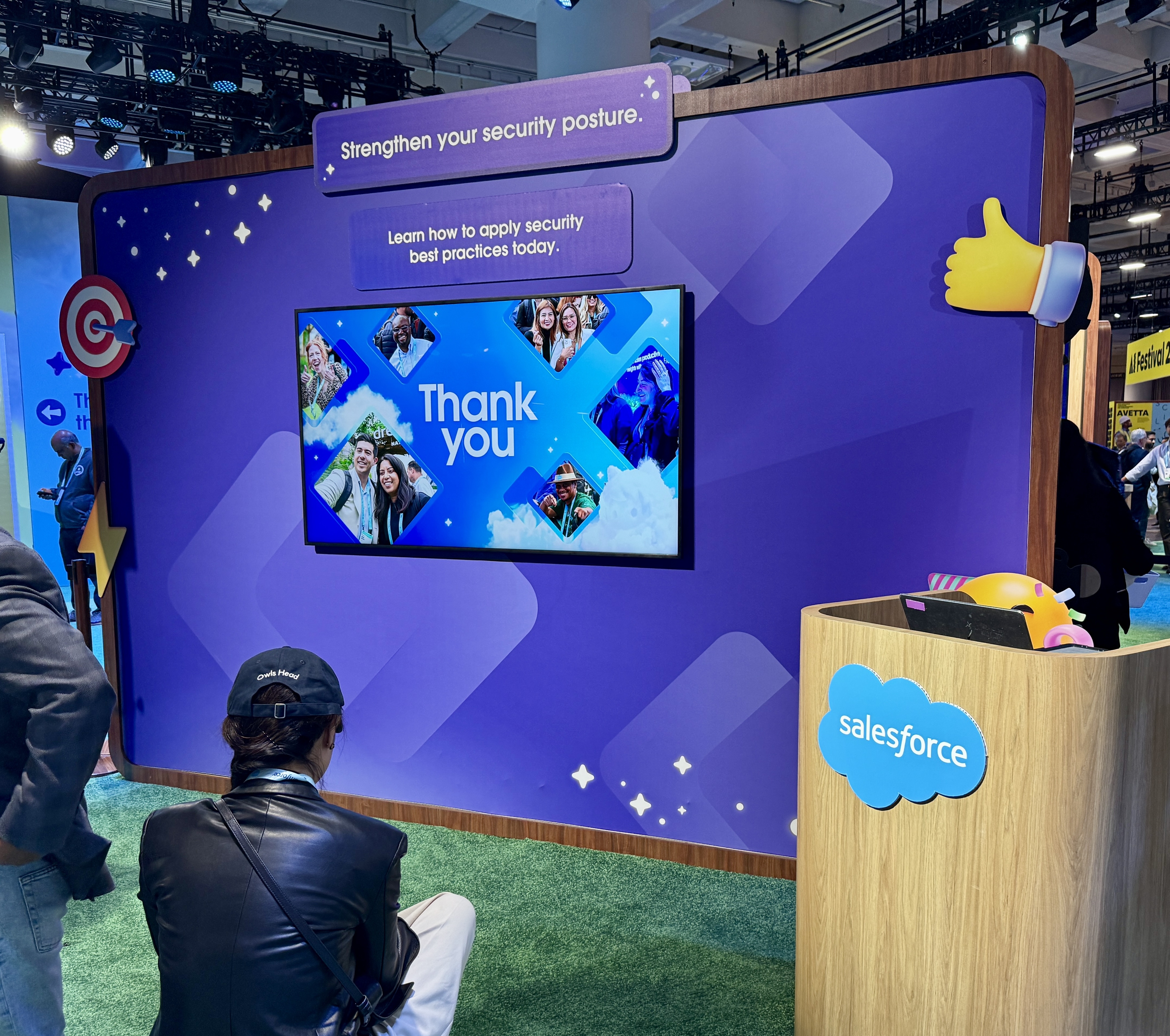
- Override content with urgent announcements in seconds
Takeover Mode is especially useful for:
- Room changes
- Delayed starts
- Sponsor moments
- Critical announcements (“Shuttles moved to entrance B”)
Smart Integrations: Let Your Agenda Update Itself
Many signage platforms still require manual updates.
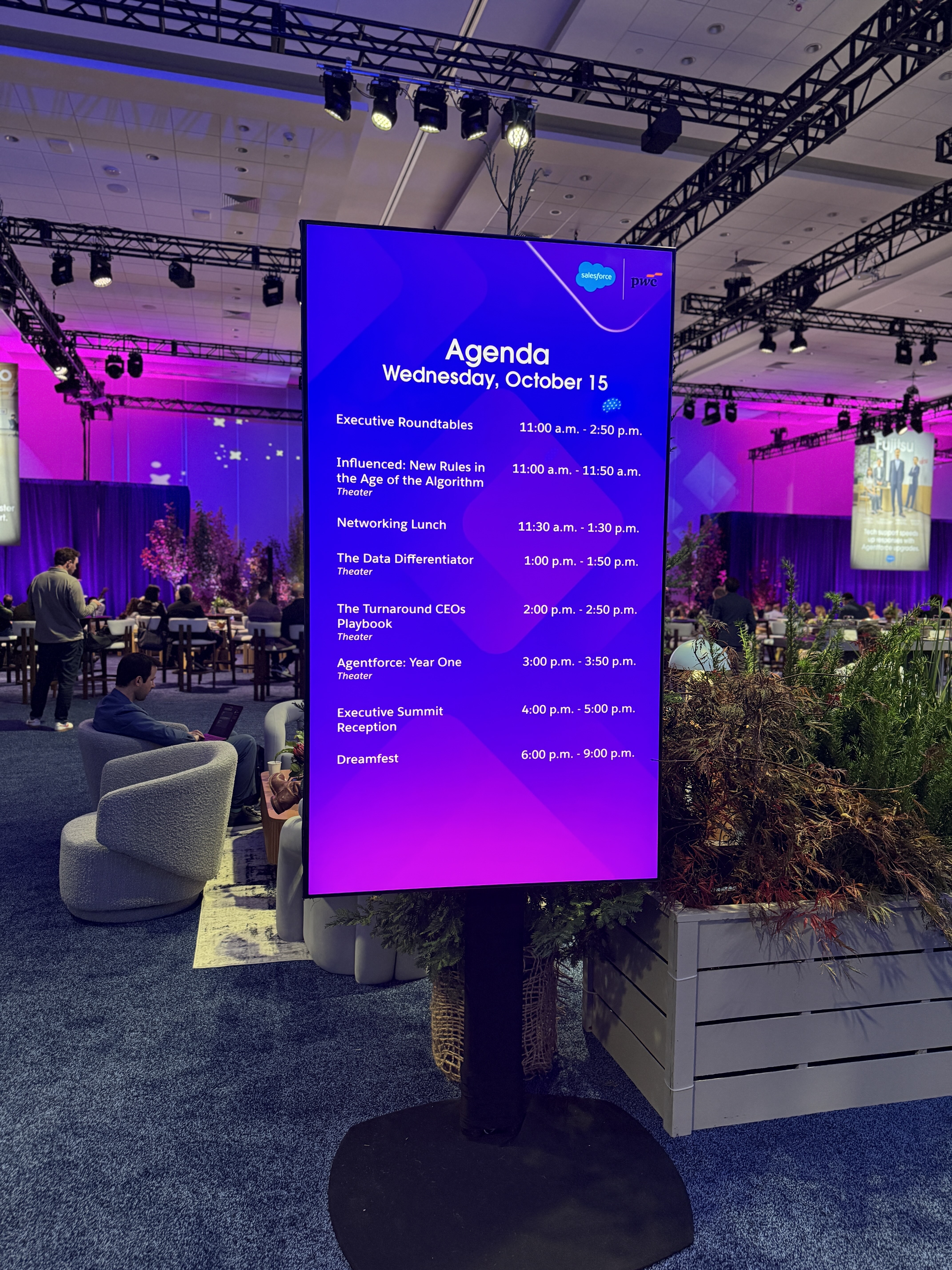
Marquee can sync directly with platforms like Cvent and RainFocus, pulling schedule and session data automatically so the content stays current.
This means:
- Fewer errors
- Faster updates
- Less frantic onsite coordination
Design Flexibility: Built for Branding and Experience
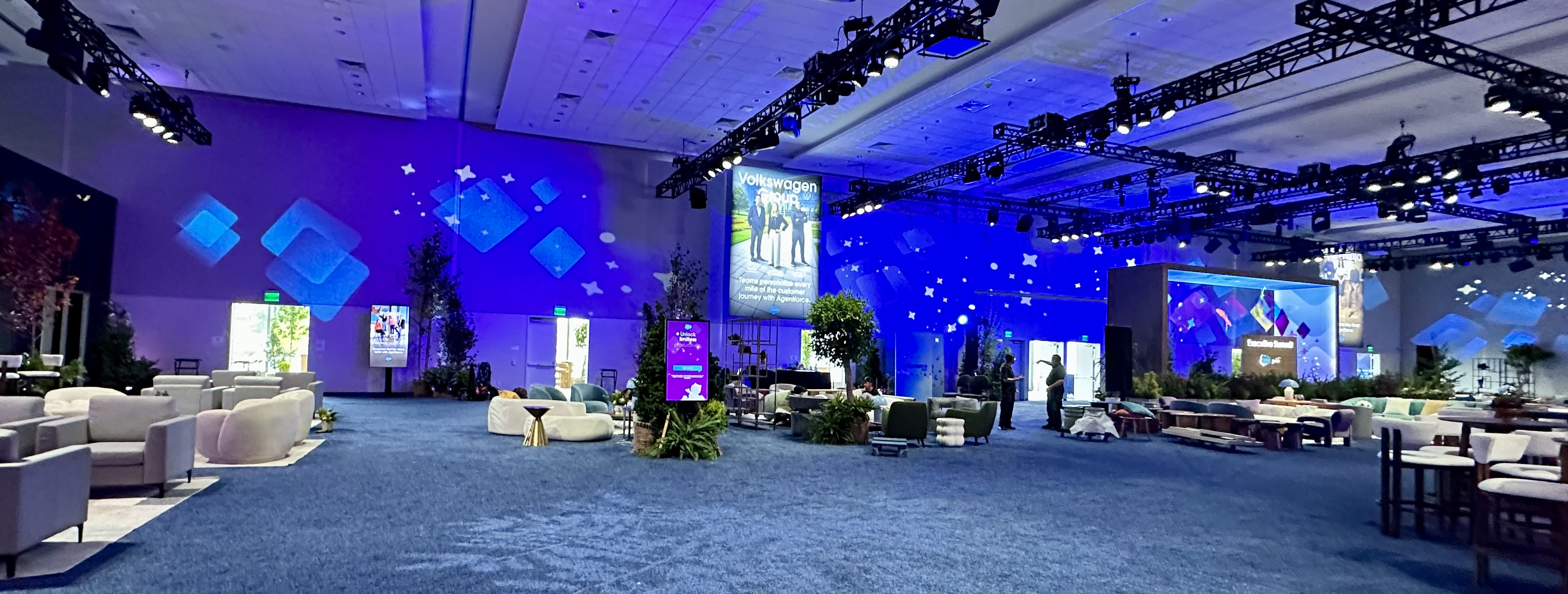
Digital signage should feel like part of the show, not an afterthought.
Marquee supports:
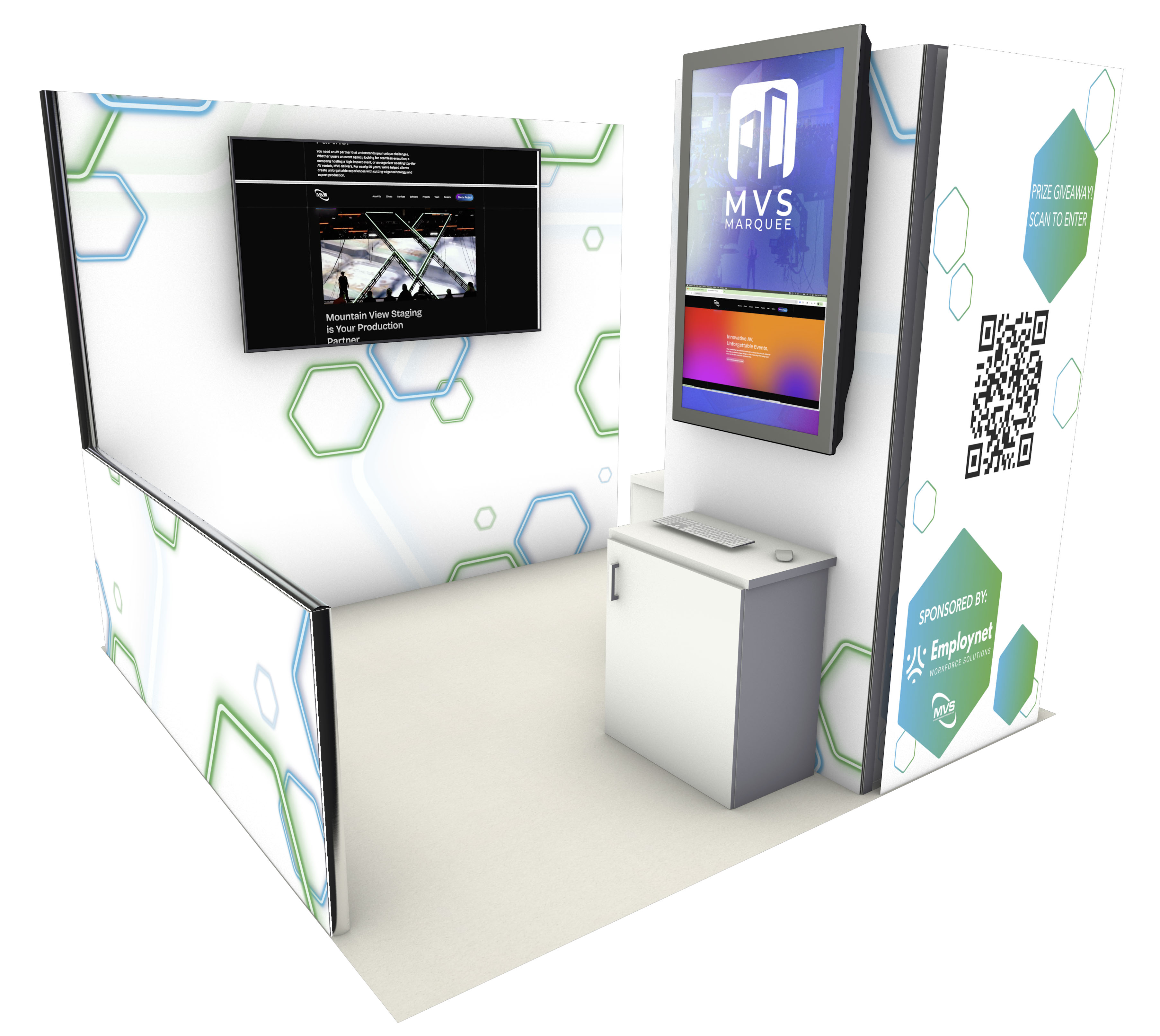
- portrait or landscape signage
- layout customization by venue or zone
- branded templates and themes
- a mix of media: images, video, links, and live data
The result: signage that looks intentional, not generic.
Real-Life Use Cases We See Every Week
Event signage isn’t one-size-fits-all. Here are the most common ways teams use Marquee:
Wayfinding that reduces confusion
“You are here” maps, elevator directions, building zones
Session signage that stays current
Agenda panels, “Up next,” room schedule boards
Sponsor visibility that feels premium
Timed content rotation, interstitials, takeover moments
Crowd and capacity management
Swap messaging instantly (“Room full, head to overflow”)
Attendee experience moments
Menus, happy hour info, shuttle updates, announcements
A Quick Setup Guide (How Teams Deploy Marquee)
- Import session data or upload media assets
- Choose branding themes and layouts
- Assign content by zone (lobby / breakout / ballroom / expo)
- Preview everything in advance
- Go live + adjust instantly onsite
Pro Tip: Build a “what if” folder: delays, speaker cancellations, room changes, emergency messaging.That way when something unplanned happens, you’re ready.
Why It Matters
At the end of the day, signage isn’t about screens.
It’s about:
- reducing stress on your team
- improving attendee flow and satisfaction
- protecting sponsor value
- giving planners confidence when change hits
If you want signage that keeps up with your event, not fights it, MVS Marquee was built for you.
Want to See MVS Marquee in Action? Book a Marquee Demo


Let’s Create Something Incredible
Have a vision you’re ready to bring into focus? We’d love to help make your next event seamless, impactful and unforgettable. Let’s connect and turn your idea into something incredible.